600+ Free Lightroom Presets (2026 Collection)
Transform your photos with one tap. Download our curated collection of 600+ professional Lightroom presets in standard DNG format — completely free, no email required.
Finding high-quality Lightroom presets usually involves navigating through spammy ad-links or paying $50 for a "Master Collection" from an influencer. We do things differently. Below you will find over 600 professional-grade presets, curated into 10 aesthetic packs. Every preset is in the universal DNG format, meaning they work flawlessly on our Lightroom MOD APK, the official iOS app, and Lightroom Classic for PC.
Each pack is compressed into a zero-password ZIP file. Download them directly to your phone, extract the DNG files, and import them into Lightroom. If you are not sure how to import DNG presets, jump to the installation guide at the bottom of the page.
1. Moody Dark & Black Pack (50 Presets)
The staple of modern street photography and urban exploration. This pack crushes highlights, fades blacks into soft greys, and desaturates distracting colors to create a brooding, cinematic aesthetic. It works exceptionally well on overcast days, architecture, and moody portraits. Best applied to photos with naturally low exposure.
- Format: .DNG
- File Size: ~45 MB (ZIP)
- Best for: Street, Urban, Overcast days
2. Cinematic Film Emulation (40 Presets)
Recreate the timeless look of Kodak Portra, Fuji Superia, and Ilford HP5. These presets introduce subtle grain, warm up highlights, and shift greens toward teal. The classic teal-and-orange Hollywood look is prominent here, providing an instantly recognizable, high-budget feel to everyday photos. Perfect for storytelling on Instagram.
- Format: .DNG
- File Size: ~38 MB (ZIP)
- Best for: Reels, Lifestyle, Travel
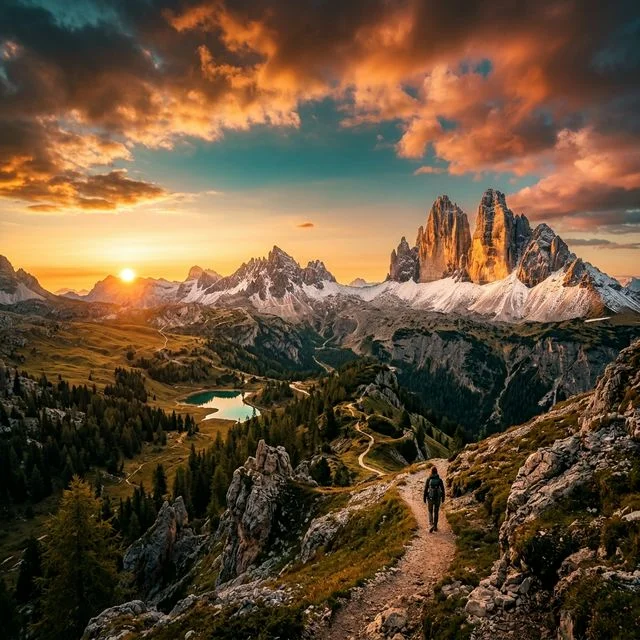
3. Golden Hour & Travel (60 Presets)
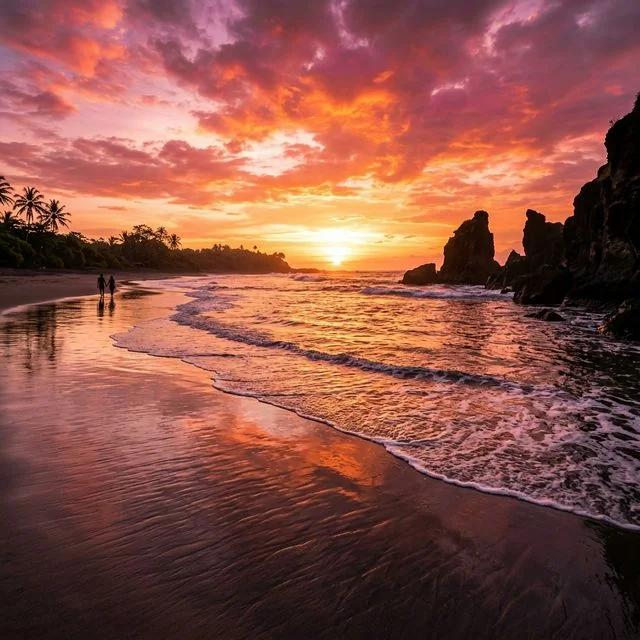
Did you miss the perfect sunset by an hour? These presets rescue flat, midday photos by injecting warmth and enhancing golden tones. Skies are pushed to deep, vibrant blues, while skin tones remain natural and glowing. This is the ultimate pack for travel bloggers and vacation photos.
- Format: .DNG
- File Size: ~55 MB (ZIP)
- Best for: Landscapes, Beaches, Sunsets
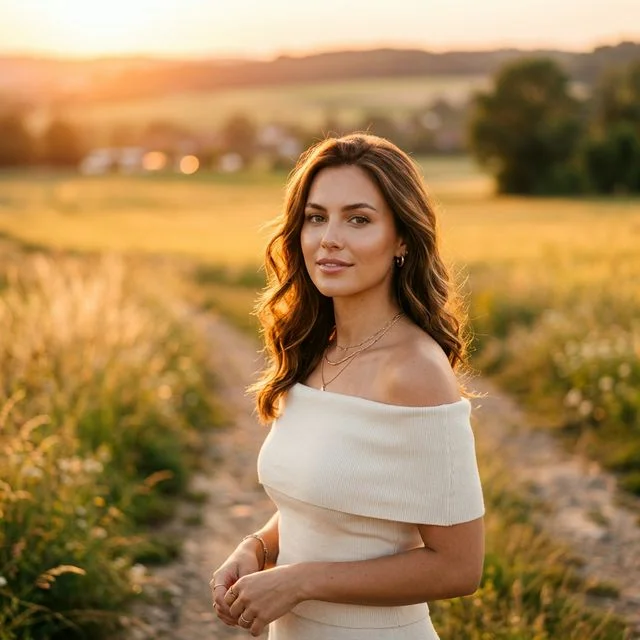
4. Soft Portrait & Skin Tones (45 Presets)
Editing skin tones is notoriously difficult. Turn down saturation too much and people look sickly; turn it up, and they look orange. This pack carefully isolates the orange and luminance channels to smooth out skin while keeping the background vivid. Includes dedicated presets for dark, medium, and light skin tones.
- Format: .DNG
- File Size: ~40 MB (ZIP)
- Best for: Selfies, Fashion, Studio Portraits
More Specialty Preset Packs
We also offer six highly specialized collections for niche editing scenarios. All zip files are hosted securely and download instantly.
| Pack Name | Count | Vibe & Use Case | Download Link |
|---|---|---|---|
| 5. Vintage Retro 90s | 55 | Faded colors, heavy grain, light leaks. Replicates disposable cameras. | ⬇ Download (50MB) |
| 6. Clean & Bright Minimalist | 50 | Overexposed whites, minimal contrast. Perfect for product photos and food. | ⬇ Download (45MB) |
| 7. Black & White Film | 40 | High contrast monochromes ranging from soft grey to punchy noir styles. | ⬇ Download (35MB) |
| 8. Wedding & Ceremony | 60 | Ethereal lighting, soft greens, and warm whites. Built for event photographers. | ⬇ Download (58MB) |
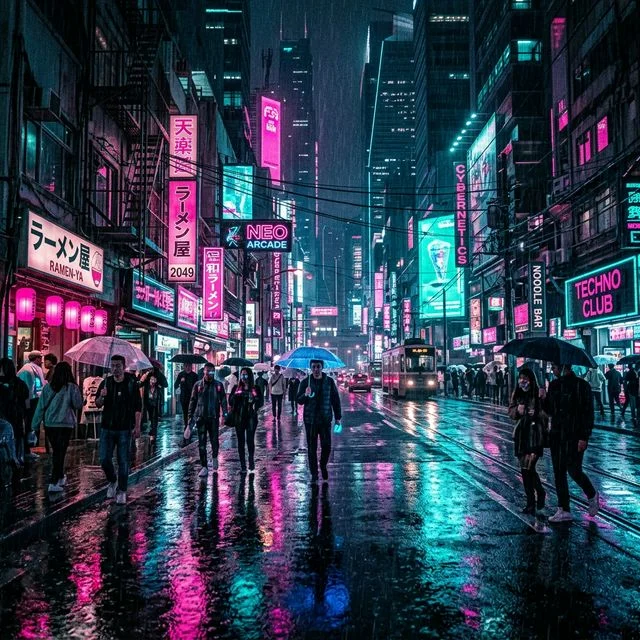
| 9. Neon Night & Cyberpunk | 35 | Amplifies purples and blues. Destroys yellows. Built for rainy night cityscapes. | ⬇ Download (30MB) |
| 10. Unified IG Feed | 70 | A massive pack consisting of 10 distinct "themes" to keep your grid perfectly matched. | ⬇ Download (65MB) |
How to Install DNG Presets in Lightroom Mobile
Installing presets on a phone is easy once you understand the logic. A .DNG file is a RAW image file that contains the editing sliders applied to it. You simply open the image and save its settings.
Unzip the Download
Use your phone's built-in file manager to extract the ZIP file you downloaded. Inside, you will find dozens of .DNG images.
Import to Lightroom
Open Lightroom MOD APK, tap the blue "Add Photo" button, and select all the extracted DNG files to import them. (Note: in your gallery, DNGs might look like blank squares — this is normal!).
Create the Preset
Open one of the imported DNG photos. Tap the three dots in the upper right corner, select Create Preset, name it, and save. It is now permanently added to your Presets menu.
Pro Tip: To keep things organized, create a "New Preset Group" (e.g., 'Moody Dark Pack') when saving, so you don't clutter your default User Presets folder.
Frequently Asked Questions
Yes, totally free. We don't ask for your email, we don't put aggressive link shorteners in front of the downloads, and we don't charge money. Presets are just position values for sliders — nobody should be charging $50 for them.
Because these are standard DNG files, they work on absolutely any version of Lightroom — including our MOD APK, the free official version on Android and iOS, and the desktop versions of Lightroom and Camera RAW.
Presets are starting points, not magic buttons. A preset designed for a bright, sunny beach photo will look awful on a dark indoor photo. Furthermore, you almost always need to manually adjust the Exposure and White Balance sliders after applying a preset, since the preset was built for a photo with different baseline lighting than yours.
Don't Have the App Yet?
To use all of the advanced features within these presets — like selective masking and geometry editing — you need the premium tools unlocked.
⬇ Download Lightroom MOD APK